Pure RAW capture
Acetate writes the sensor's uncompressed data straight to your library — Apple ProRAW DNG on every supported iPhone. Full dynamic range preserved for the edit; no baked-in processing you have to fight later.
Acetate bridges pure RAW capture and the soul of analog film. Built for photographers who understand that an image is made, not taken.
The pitch
Most camera apps stop at capture. Most editors don't shoot. Acetate is one product — shutter to grade — built on the same on-device LUT engine end to end.
Acetate writes the sensor's uncompressed data straight to your library — Apple ProRAW DNG on every supported iPhone. Full dynamic range preserved for the edit; no baked-in processing you have to fight later.
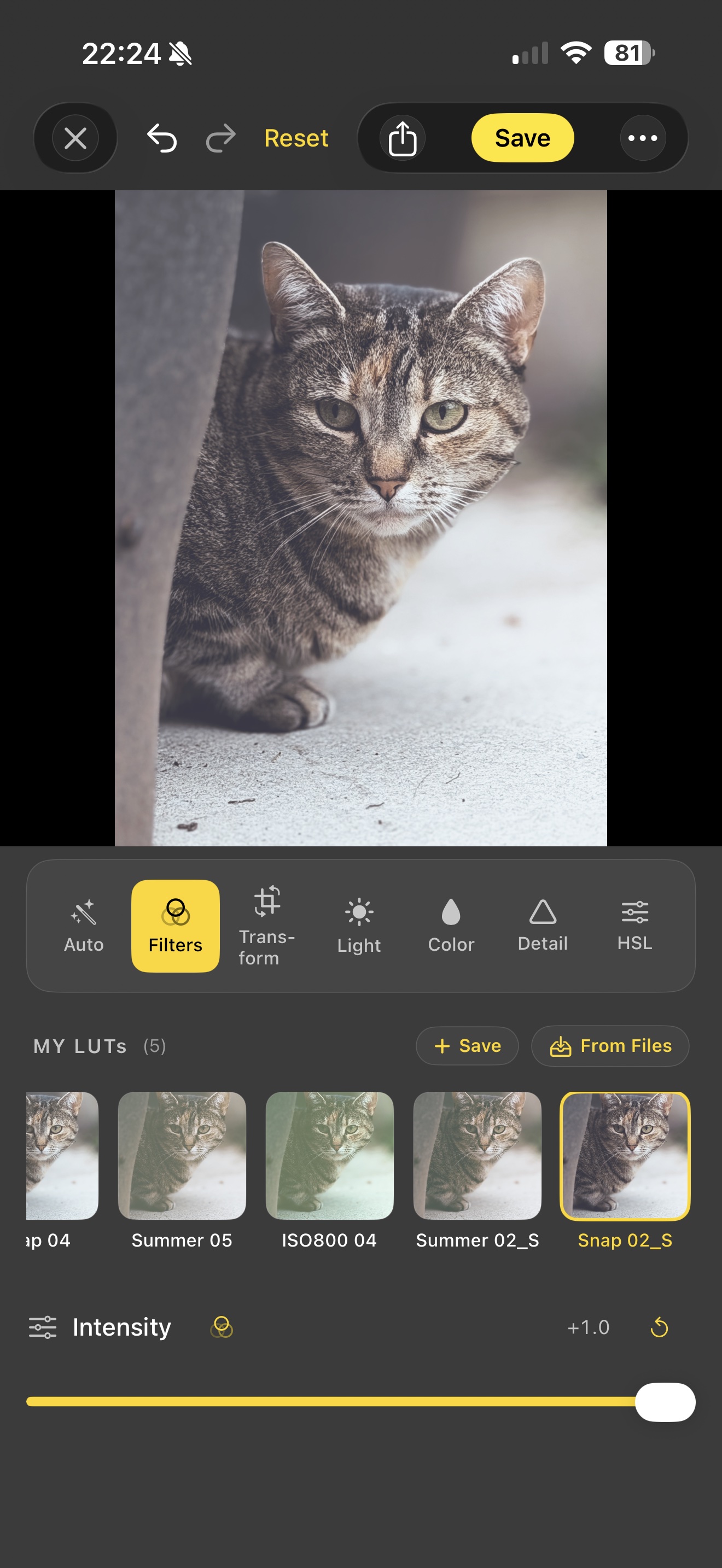
33-cube CIColorCube pipeline backing every filter. Eight built-in era looks ('70s Warm, '80s Neon, '90s Cinema, Golden, Mono, Faded, Moody, Cross). Same engine reads your imported .cube files from Files, iCloud Drive, or AirDrop.
Edit a photo, hit Save as Filter — your adjustments bake into a portable .cube file. Apply it to other photos in one tap, or load it in the camera and shoot in your signature look. The .cube format is read by Lightroom, Premiere Pro, DaVinci Resolve, and any other tool that grades colour.
Smart tools that run entirely on your iPhone via Apple's Vision framework and on-device Core ML — scene detection, auto-straighten, Object Removal, automatic Subject / Person / Sky / Background masks, and AI share captions with Vision-derived hashtags. No cloud, no upload, no account.
Auto, Program, Shutter Priority, ISO Priority, Manual, Night Mode, and Long Exposure up to 30 seconds. Live histograms, zebras, false-colour, focus peaking, dual-axis level with haptic confirmation. The whole toolkit.
Lift / Gamma / Gain colour wheels (Shadows / Midtones / Highlights) with per-range luma — the primary-correction tool every colourist reaches for. OkLab perceptual-space HSL. RGB curves. Filmic tone mapping. Split toning. Edits a real colourist could ship.
The workflow
One feedback loop. Edit a photo until you love it, save the result as a LUT, then load that LUT in the camera and shoot tomorrow's photos in the same grade. It compounds.
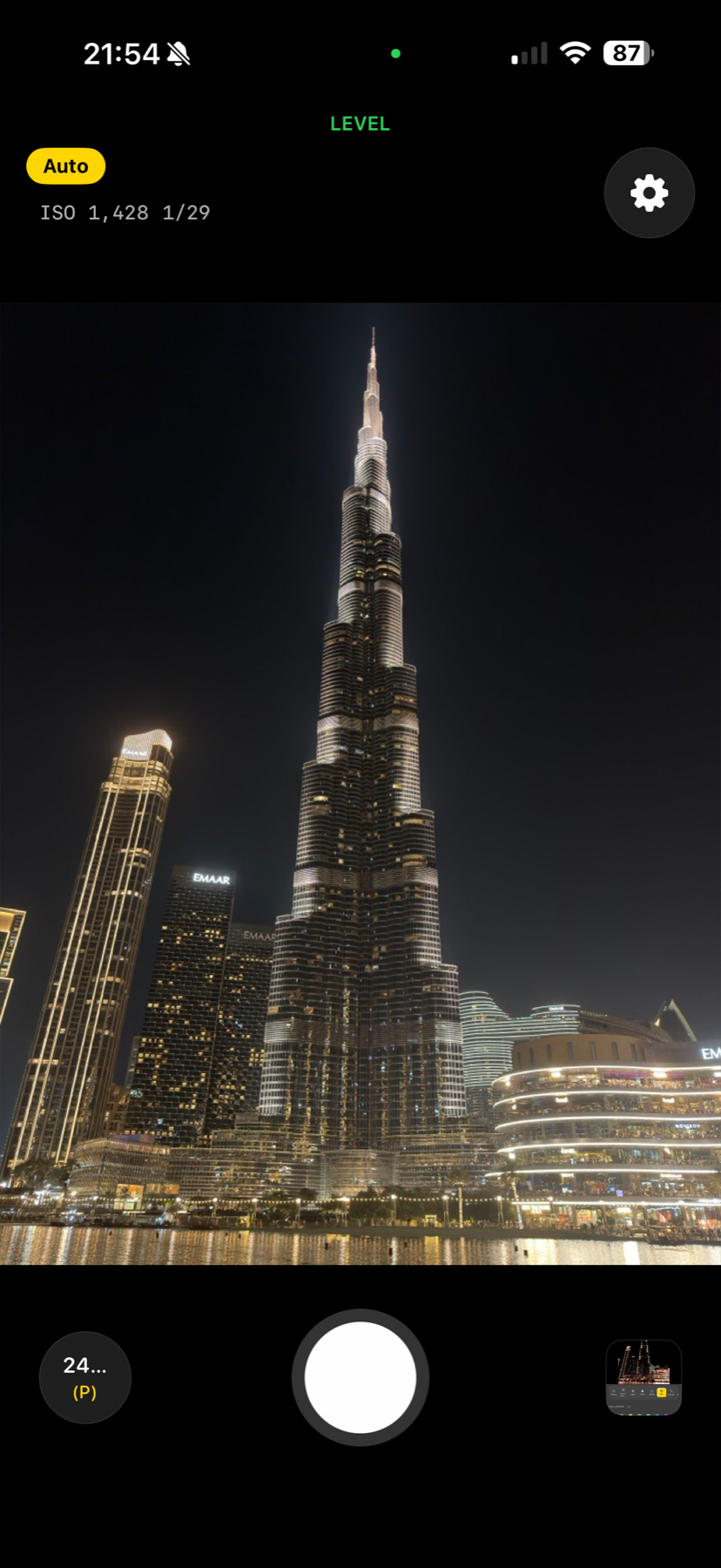
Manual controls or assisted. The sensor's full dynamic range lands in your library as a DNG, ready to grade.
HSL in perceptual OkLab space, three-way colour grading wheels, curves, split toning, filmic highlight rolloff. Real pro tools.
One tap. Acetate bakes your edit into a portable
.cube file. Apply to other photos. Load it in the camera. Share with
Lightroom or DaVinci Resolve. It's yours.
Your photos
The entire app — capture, edit, AI, save — runs offline. No account to make, no cloud uploads, no analytics tracking your sessions. Location is used strictly for EXIF geotagging on photos you take, and never leaves your device.
Read the privacy policy →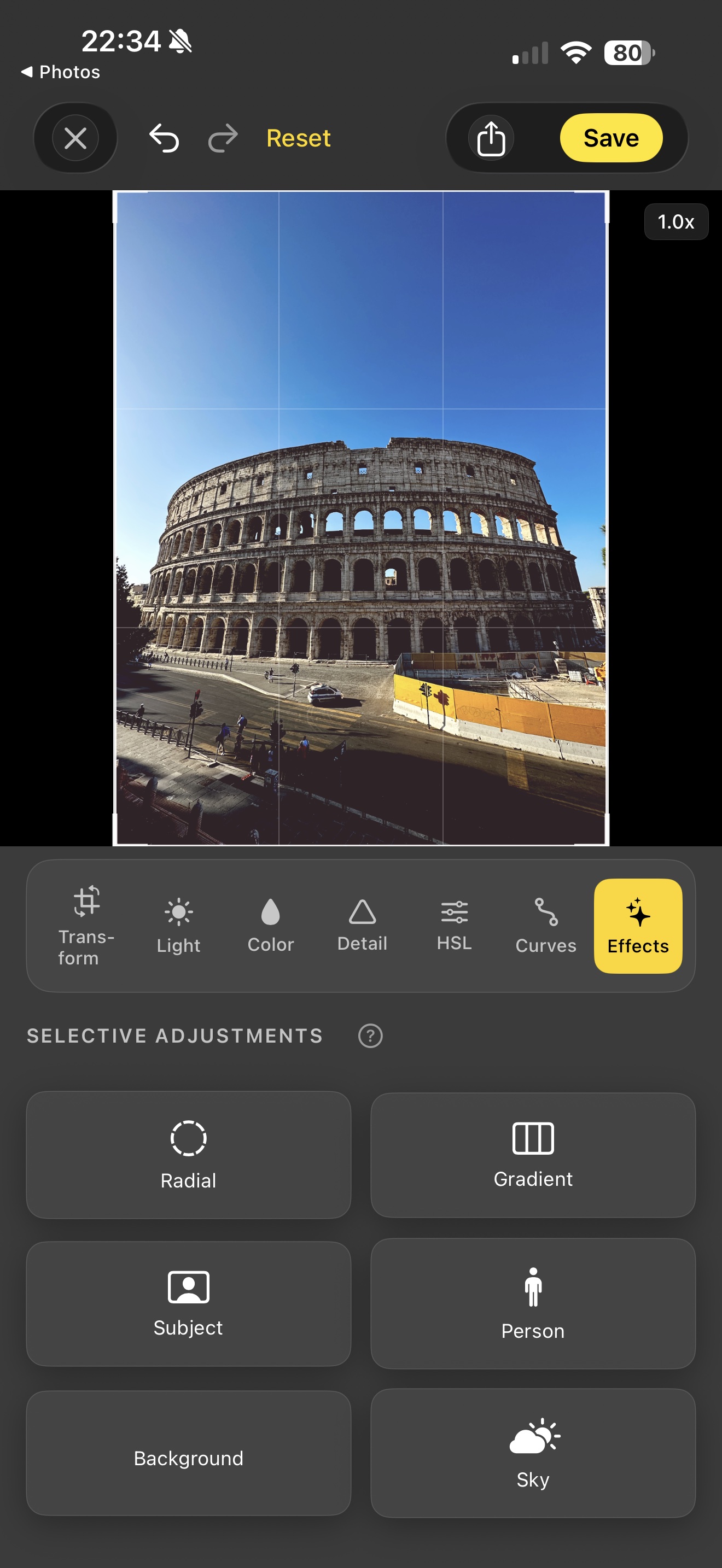
Acetate is free on the App Store. iPhone with iOS 17 or later.
Download on the App Store